

You’ve spent hours crafting the perfect email. The subject line is compelling, the copy is persuasive, and the call-to-action is crystal clear. You hit “send,” anticipating a wave of opens, clicks, and conversions. But what happens if that masterpiece never even reaches the inbox?
In the competitive world of email marketing, simply sending an email isn’t enough. You need to ensure it gets delivered. Email deliverability – the art and science of getting your emails into your subscribers’ inboxes – is more critical than ever. With inbox providers like Gmail and Yahoo tightening their rules for 2025, the game has changed.
Ignoring these new standards isn’t an option. It’s a direct path to the spam folder, a damaged sender reputation, and a tanking ROI. So, how do you navigate this evolving landscape and ensure your messages get seen? Here are 11 actionable tips to boost your email deliverability and master inbox placement in 2025.
1. Master the Authentication Trifecta: SPF, DKIM, and DMARC
Think of email authentication as your official passport for the digital world. It proves to receiving servers that you are who you say you are, and it’s your first and most important line of defense to avoid spam filters.
In 2025, this is no longer a “nice-to-have” recommendation; it’s a requirement from major providers like Google and Yahoo for anyone sending bulk email.
What Are SPF, DKIM, and DMARC?
- SPF (Sender Policy Framework): This is a list of all the IP addresses authorized to send emails on behalf of your domain. It’s like telling the bouncer, “These are my approved guests.”
- DKIM (DomainKeys Identified Mail): This adds a unique digital signature to your emails. When the email arrives, the receiving server checks this signature to ensure the message hasn’t been tampered with in transit.
- DMARC (Domain-based Message Authentication, Reporting, and Conformance): DMARC is the policy enforcer. It tells servers what to do if an email fails SPF or DKIM checks (e.g., quarantine it or reject it outright). It also provides reports on who is sending email from your domain, helping you spot fraudulent activity.
2. Build and Protect Your Sender Reputation Like Gold
Your sender reputation is a score that Internet Service Providers (ISPs) assign to your sending domain and IP address. A high score tells them you’re a trustworthy sender, while a low score sends your emails straight to junk. This score is influenced by several factors:
- Spam complaint rates
- Bounce rates (invalid email addresses)
- Subscriber engagement (opens and clicks)
- Whether you’re on an email blacklist
3. Practice Impeccable List Hygiene
The quality of your email list is directly tied to your deliverability. Sending to unengaged or invalid addresses is a major red flag for ISPs. Never, ever buy an email list.These lists are often filled with outdated addresses, spam traps, and people who never asked to hear from you, leading to high bounce rates and spam complaints.
How to Keep Your List Squeaky Clean
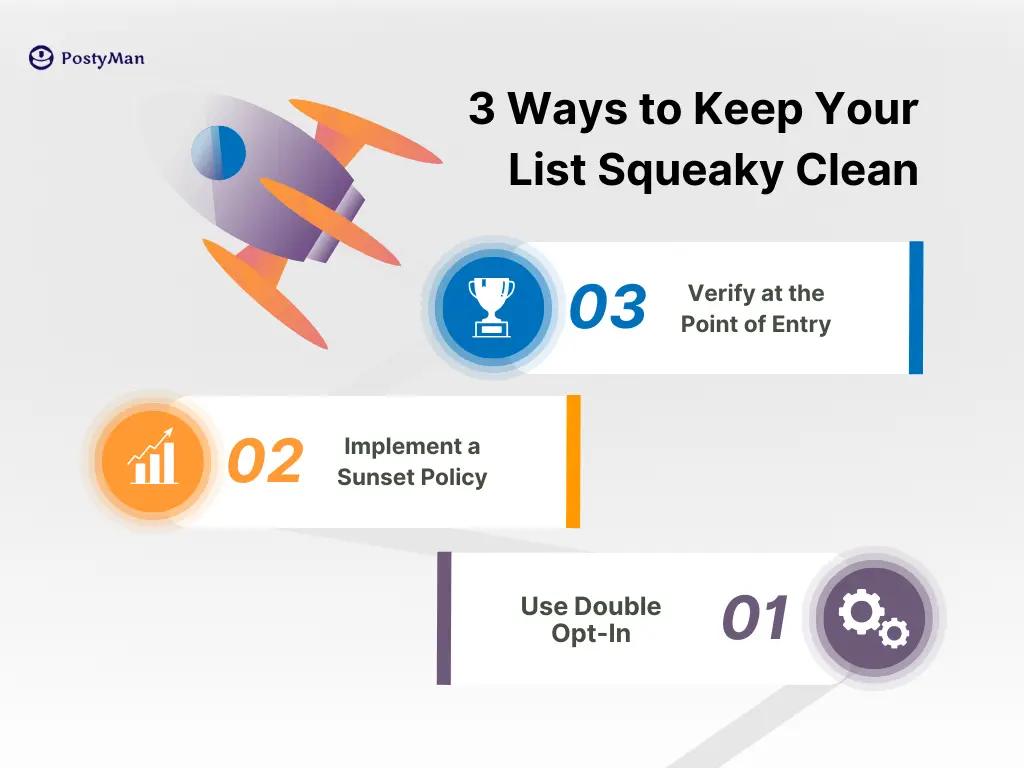
- Use Double Opt-In: When someone subscribes, send them a confirmation email they must click to be added to your list. This verifies the email address is valid and ensures you have explicit consent.
- Implement a Sunset Policy: Regularly remove subscribers who haven’t opened or clicked your emails in a set period (e.g., 90 or 180 days). This keeps your engagement rates high and shows ISPs you’re only sending wanted mail.
- Verify at the Point of Entry: Use real-time email verification APIs on your signup forms to catch typos and fake addresses before they ever make it onto your list.
4. Warm-Up Your Sending Infrastructure
If you start sending a high volume of emails from a new domain or IP address, ISPs will immediately become suspicious. It’s like a stranger showing up and shouting at everyone—it’s alarming. The solution is to “warm up” your IP and domain by gradually increasing your sending volume over time.
5. Prioritize Subscriber Engagement
ISPs are now heavily focused on engagement-based filtering.When subscribers consistently open, click, and reply to your emails, it sends a powerful positive signal that your content is valuable and wanted. Conversely, if your emails are consistently ignored or deleted without being opened, it harms your sender reputation.
6. Make Unsubscribing Effortless (and One-Click)
This might seem counterintuitive, but a clear and easy unsubscribe process is crucial for good deliverability. If a subscriber can’t find the unsubscribe link, what will they do instead? Mark you as spam. A spam complaint is far more damaging to your reputation than an unsubscribe.
As of 2025, Google and Yahoo require bulk senders to include a one-click unsubscribe link in the email header.
7. Craft Content That Avoids Spam Filters
While engagement signals are more important than ever, content still matters. Spam filters analyze your email’s content and formatting for red flags.
Common Content Mistakes to Avoid
- Spam Trigger Words: Avoid overly salesy or sensational language like “Free money,” “Act now,” or “Guaranteed.”
- ALL CAPS and Excessive Punctuation: Writing in all capital letters or using multiple exclamation points looks spammy.
- Image-Only Emails: Emails should have a healthy balance of text and images. An email that’s just one large image can be a red flag.
- Link Shorteners: Spammers often use common link shorteners (like bit.ly) to hide malicious destinations. Link directly to the full URL on your domain.
8. Keep Your Spam Complaint Rate Below 0.1%
A spam complaint is the most negative signal a subscriber can send. It tells their ISP, “I did not want this email.” Major providers are now enforcing a strict spam complaint rate threshold. To maintain good inbox placement, you must keep your complaint rate below 0.1% and never let it reach 0.3%.
9.Use a Consistent and Recognizable Sender Name
Your “From” name is the first thing a recipient sees. A consistent, recognizable name builds trust and familiarity, increasing the likelihood of an open. If you frequently change your sender name, subscribers may not recognize you and could delete the email or, worse, mark it as spam.
10. Monitor and Stay Off Email Blacklists
An email blacklist is a real-time database of domains and IP addresses that have been flagged for spammy behavior.If your domain or IP ends up on a major blacklist like Spamhaus, your emails will be blocked by a large percentage of servers across the internet.
11. Optimize for Better Inbox Placement
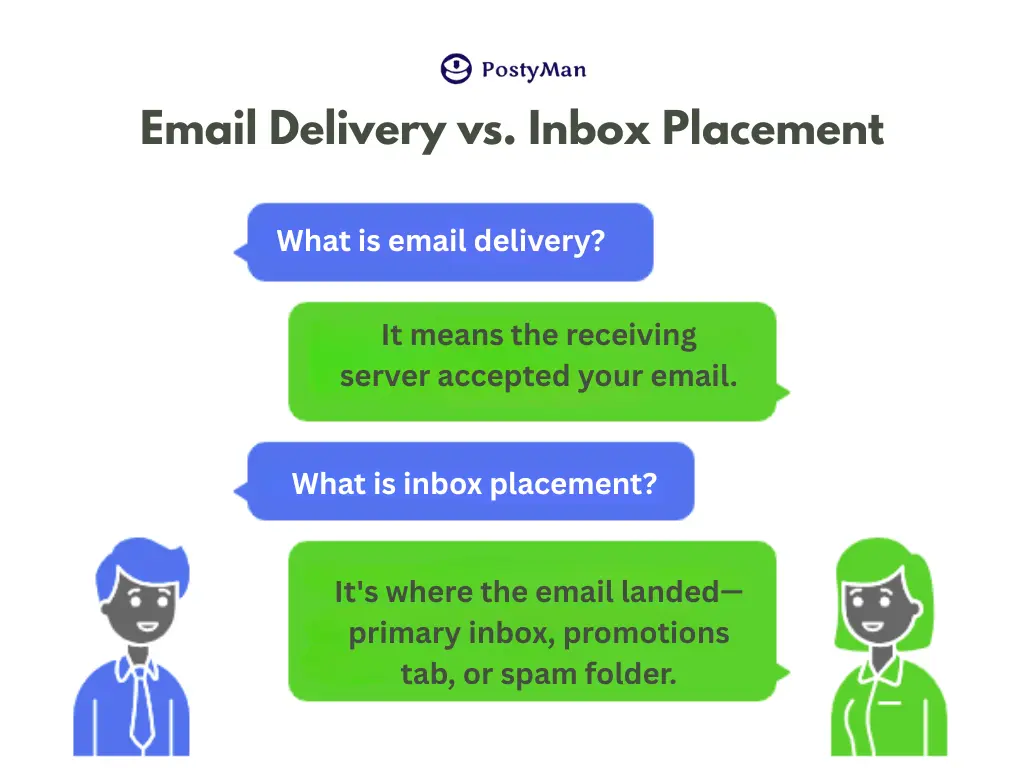
Finally, understand the difference between email delivery and inbox placement.
- Delivery means the receiving server accepted your email.
- Inbox Placement is where that email actually landed—the primary inbox, the promotions tab, or the spam folder.
You can have a 99% delivery rate, but if 30% of those emails are going to spam, your campaign will fail. Every tip on this list is designed not just for delivery, but for achieving prime inbox placement.
Take Control of Your Email Deliverability
Navigating the complexities of email deliverability in 2025 requires a proactive, strategic approach. By focusing on technical foundations like authentication, diligently protecting your sender reputation, and prioritizing a positive subscriber experience, you can conquer the spam filter and ensure your message is heard.
Feeling overwhelmed? You don’t have to do it alone. The world of email deliverability is complex and constantly changing. Let the experts at Posty Man handle the technical details so you can focus on what you do best—creating amazing content.
Contact Posty Man today for a free deliverability audit and see how we can help you land in the inbox, every time.