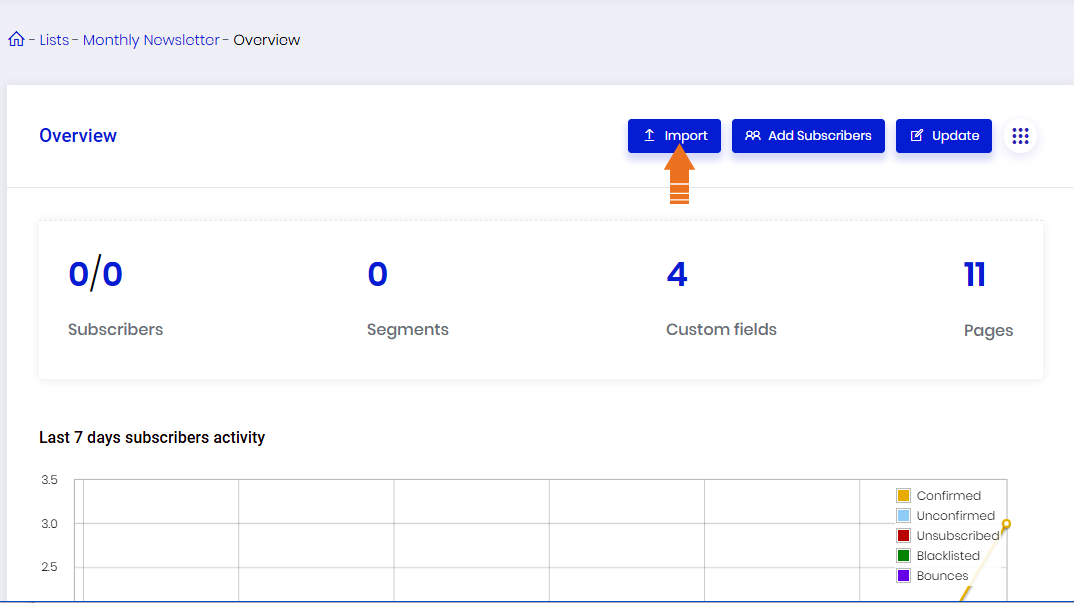
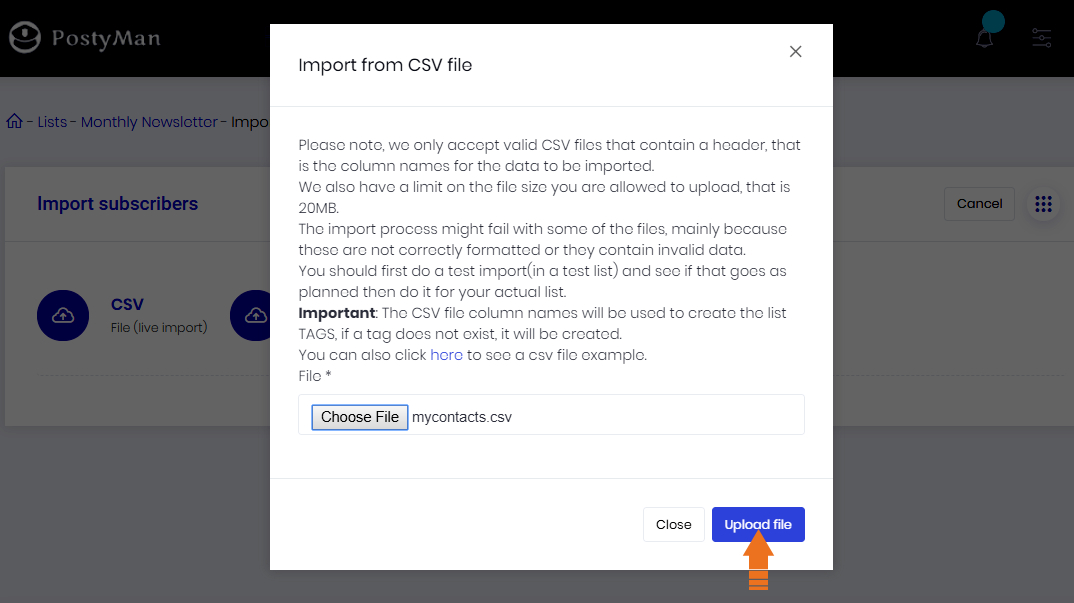
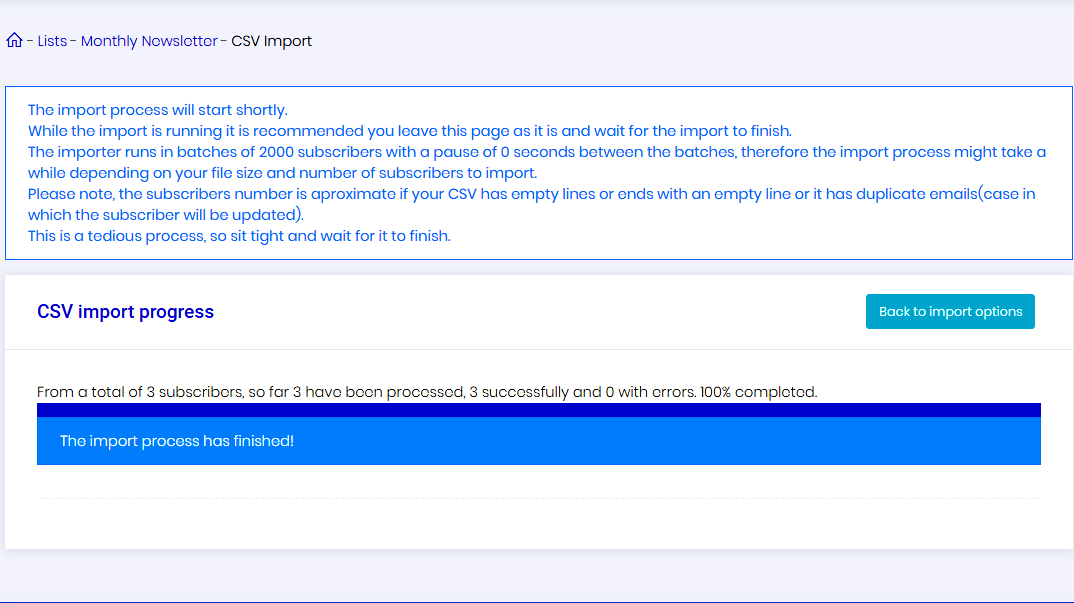
Rather than add contacts manually one at a time, you can import bulk contacts at one shot. To do
this, you create a CSV (comma separated values) file that contains the contacts detail such as Email
address, Name etc. more details
Recommend to use import file under 4MB size. If above then split contacts file and upload.
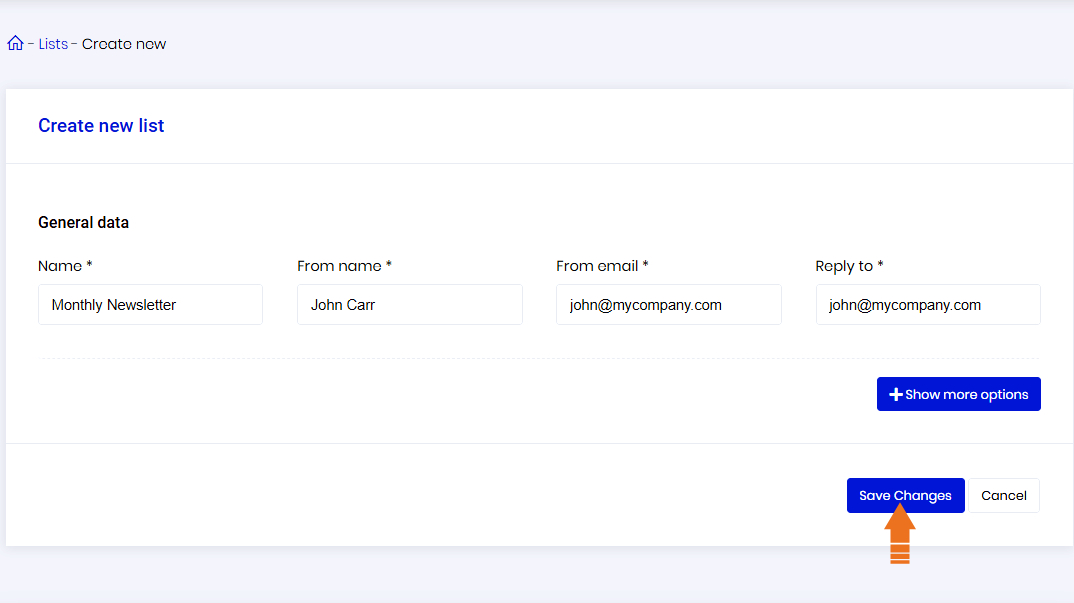
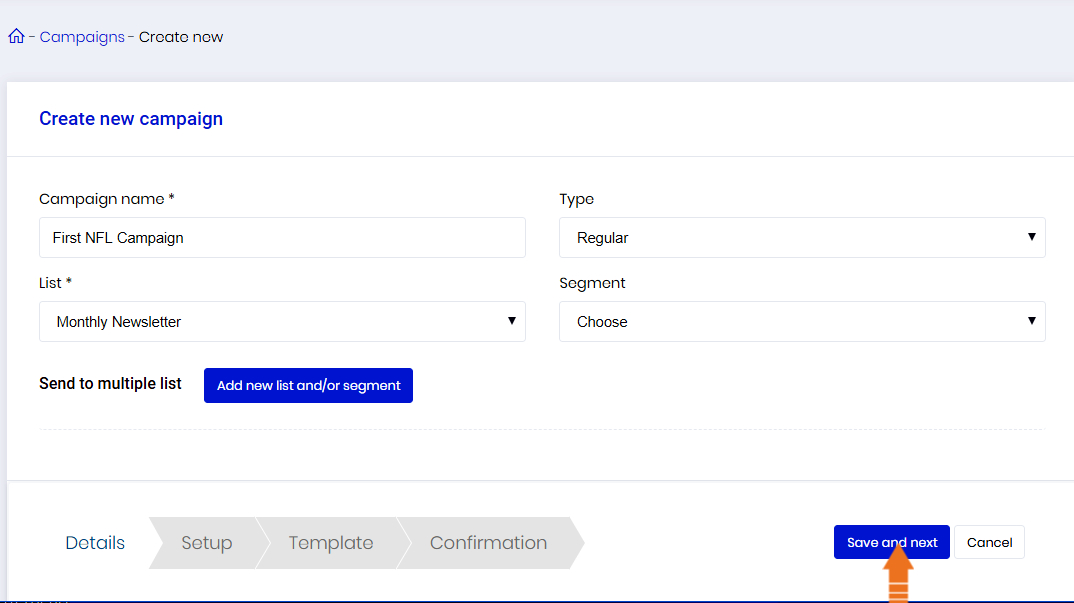
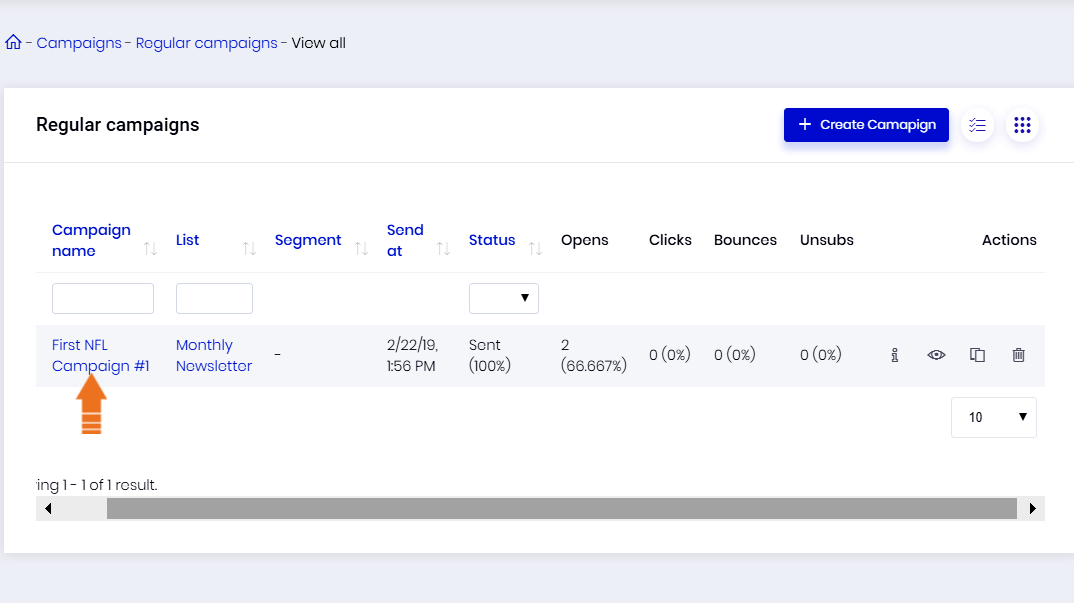
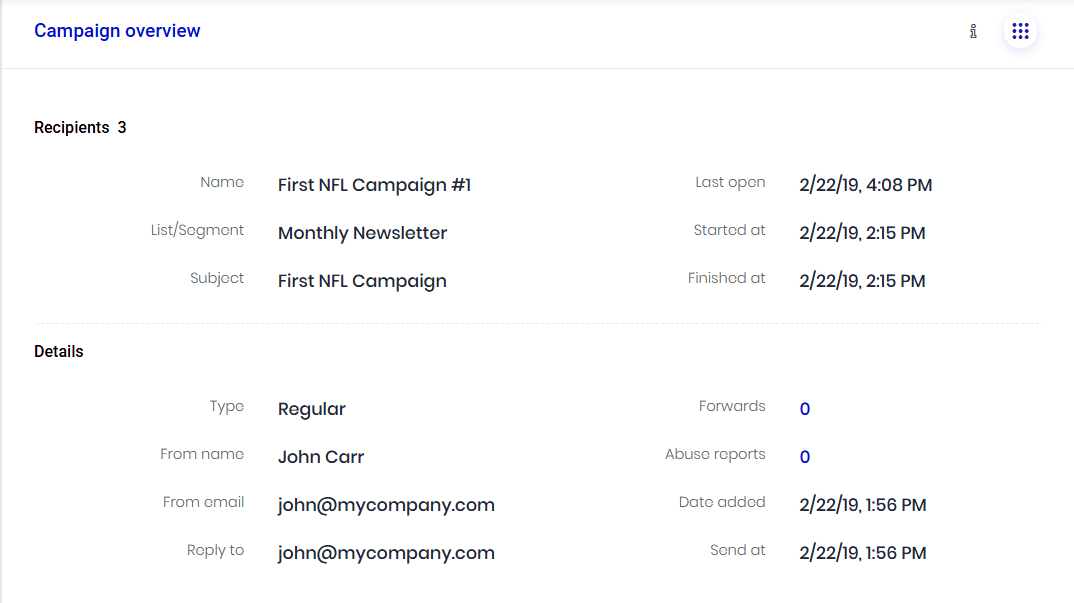
Campaign name: Give your campaign a name; it will only be visible to you and is only used for
organizing your campaigns.
Select and combine lists of recipients.
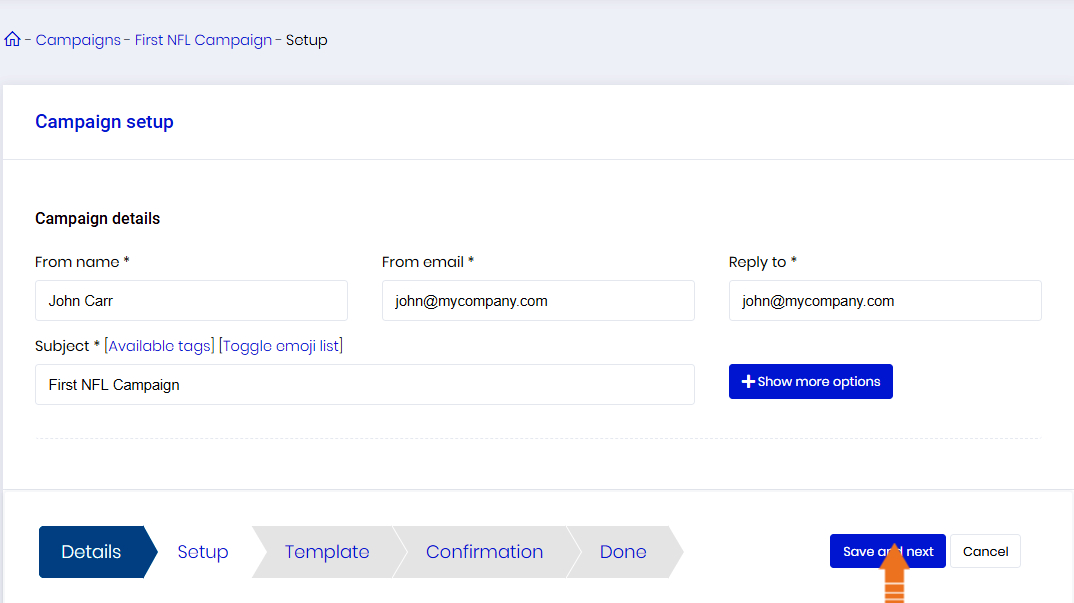
From name: The 'From Name' appears in your recipient's inbox to identify you as the message
sender.
Sender email: Helps your recipients recognize you as the message sender, so it is just as important
as the "From name".
Subject: The subject line is one of the most important email settings. A good subject line will positively impact your open rates and deliverability
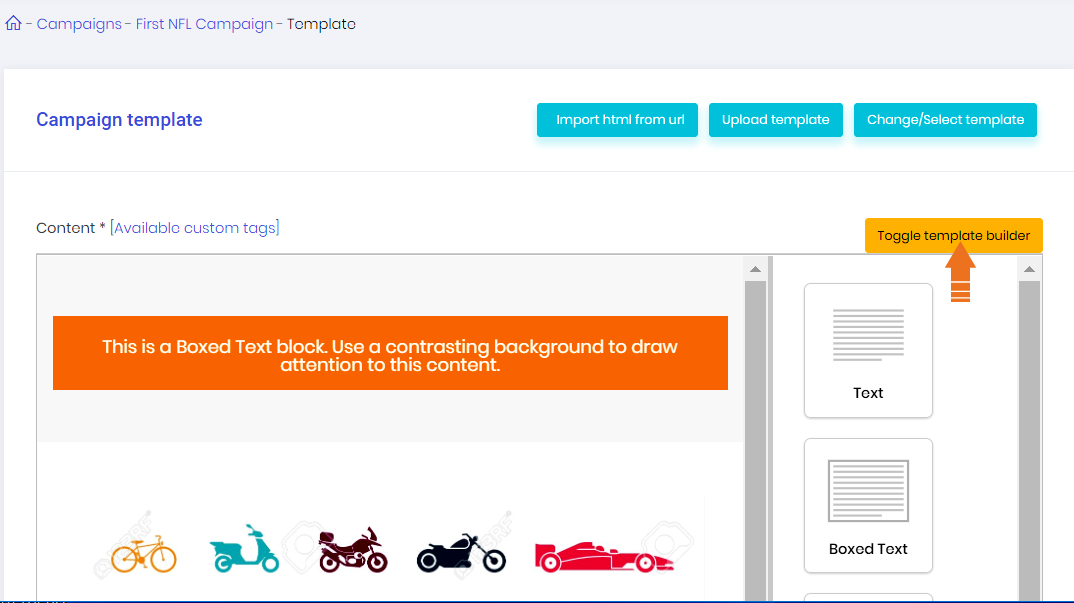
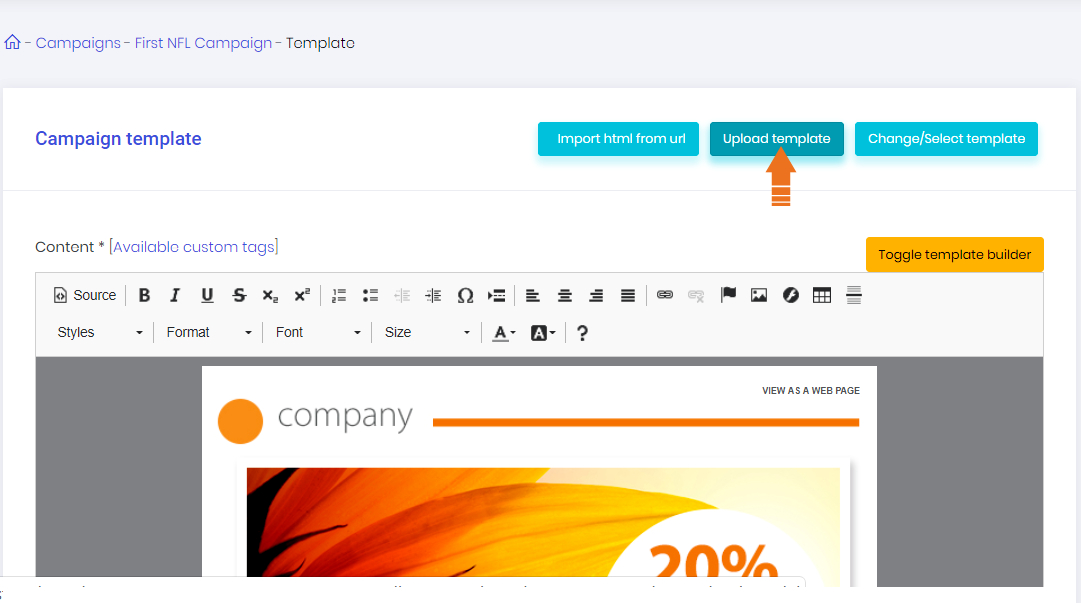
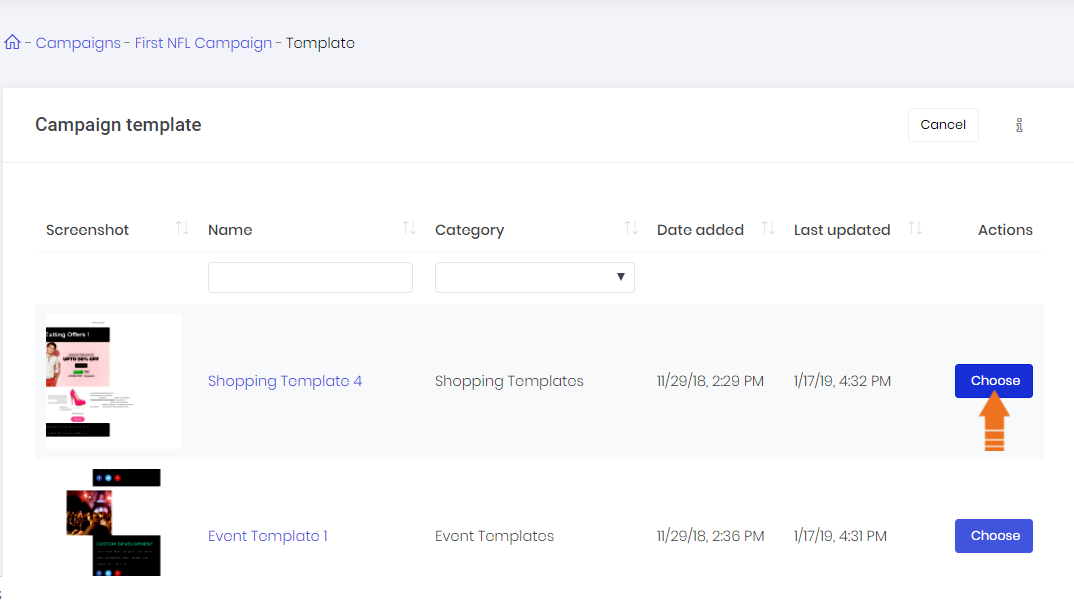
Design your newsletter from scratch with our fantastic drag & drop editor.
Create professional and effective newsletter campaigns in the blink of an eye with our intuitive editor. Drag & drop allows you to edit and place your images and content exactly how and where you want them to be!
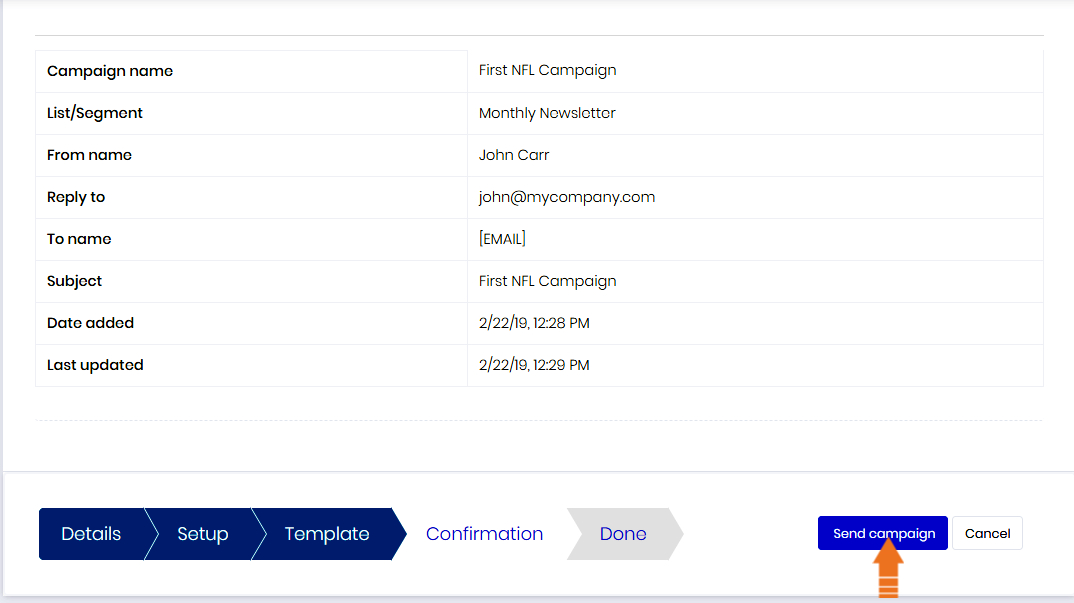
You are one step away from starting your email campaign. Our checklist shows if you’re all set and ready to let your campaign reach your customers. You can decide whether you want to send your mailing instantly or schedule it to a later point in time.