

Table of Contents
You hit “Send” on a campaign you spent hours crafting. You wait for the replies or sales to roll in. But days later… crickets.
Your Emails are not Reaching Inbox.
If this sounds familiar, you aren’t alone. One of the most frustrating problems for growing businesses is realizing that their emails are technically “delivered” but are landing quietly in the spam folder, never to be seen by human eyes.
In 2026, the rules of the inbox have changed. Gmail, Yahoo, and Outlook have become much stricter about who they let in. The good news? You don’t need to be a technical wizard to fix it.
Here is a beginner’s guide to understanding why your emails are getting lost and the basic steps you can take to fix it.
Email Inbox vs Spam: What’s the Real Difference?
Before we fix the problem, let’s clarify what is actually happening.
Many beginners confuse “Delivery” with “Inbox Placement.”
- Delivered: Your email arrived at the destination server (like Gmail’s front door). It wasn’t rejected or bounced back.
- Inbox Placement: Your email was allowed inside the house and placed in the living room (the Primary Inbox).
- Spam/Junk: Your email was accepted but shoved immediately into the garage (the Spam folder) because the system didn’t trust you.
The Goal: We don’t just want delivery; we want inbox placement. In 2026, the decision between the living room and the garage is made by AI that judges your “Sender Reputation.” Think of reputation like a credit score for your email domain.
5 Common Reasons Your Emails Fail to Reach the Inbox
If your open rates are low (below 20%), one of these five common issues is likely the culprit.
1. You Look Like a Stranger (Missing Authentication)
Imagine a delivery driver showing up at a high-security building without an ID badge. Security wouldn’t let them in.
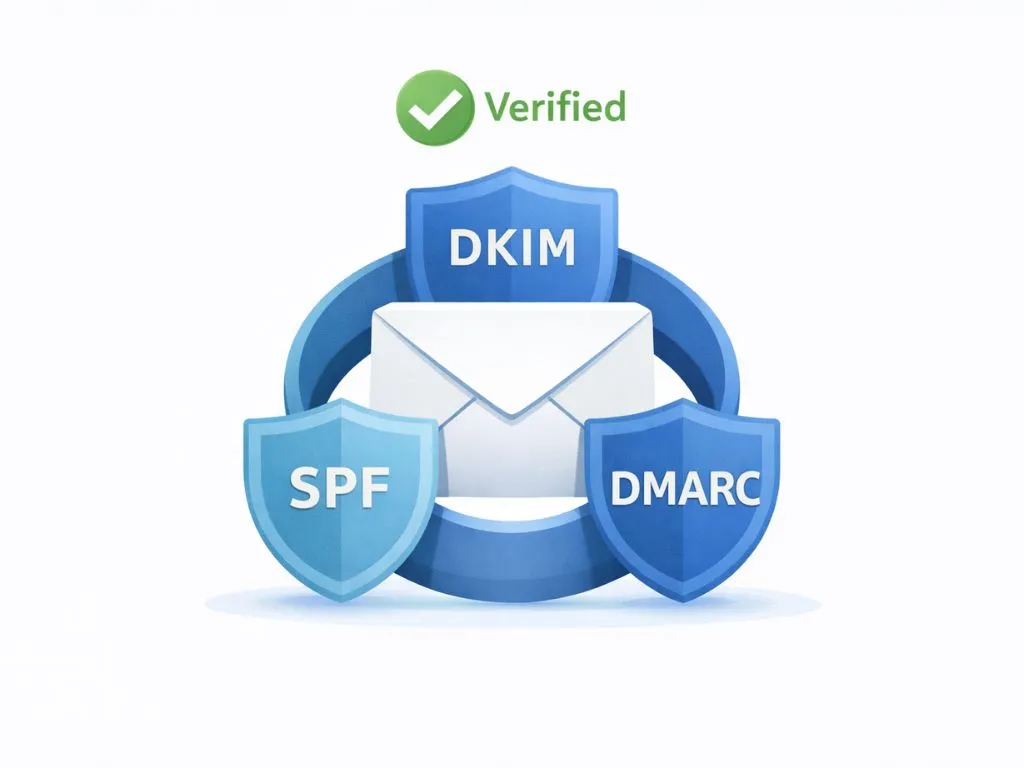
In 2026, email providers like Google and Yahoo require “digital ID badges” called SPF, DKIM, and DMARC.
- SPF (Sender Policy Framework): A list of IP addresses allowed to send emails for you.
- DKIM (DomainKeys Identified Mail): A digital signature that proves the email hasn’t been tampered with.
- DMARC: A rule that tells the inbox what to do if the first two checks fail.
The Fix: You don’t need to know how to code this yourself. Most email platforms (like PostyMan) provide these records for you to copy-paste into your domain settings. If you haven’t done this, you look like a stranger, and strangers go to spam.
2. You’re Sending to Ghosts (Bad List Hygiene)
Are you sending emails to people who haven’t opened one in six months? Or worse, email addresses that no longer exist?
When you send emails to invalid addresses, they “bounce.” A high bounce rate tells inbox providers that you are a sloppy sender who might be buying lists (a huge no-no).
The Fix: Clean your list regularly. If a subscriber hasn’t opened an email in 90 days, try a re-engagement campaign. If they still don’t bite, remove them. A smaller, engaged list is far more powerful than a massive list of ghosts.
3. You’re Being Ignored (Low Engagement)
Mailbox providers closely monitor how recipients respond to your emails.
Positive engagement signals: Opening messages, clicking links, replying, or manually moving emails from spam to inbox.
Negative engagement signals: Skipping emails without opening, deleting them immediately, repeated inactivity, or marking messages as spam.
When engagement stays weak, inbox algorithms adjust delivery behavior.
For instance, sending 1,000 emails with only 10 opens tells Gmail that recipients don’t find your content useful. Over time, your emails are automatically redirected to spam to maintain a clutter-free inbox experience.
4. Your Content Screams “Salesy”
Spam filters analyze the actual content of your email. In 2026, they are smart enough to understand context, but certain habits still trigger alarm bells:
- Typing in All Caps (It Feels Like Shouting)
- Using too many exclamation points!!!
- Using aggressive trigger words like “Free,” “Guarantee,” “Buy Now,” or “Urgent” repeatedly.
- Sending an email that is just one giant image with no text (spammers do this to hide text).
The Fix: Write like a human, not a billboard. Keep your image-to-text ratio balanced (about 60% text, 40% images).
5. You Made It Hard to Leave (No Unsubscribe)
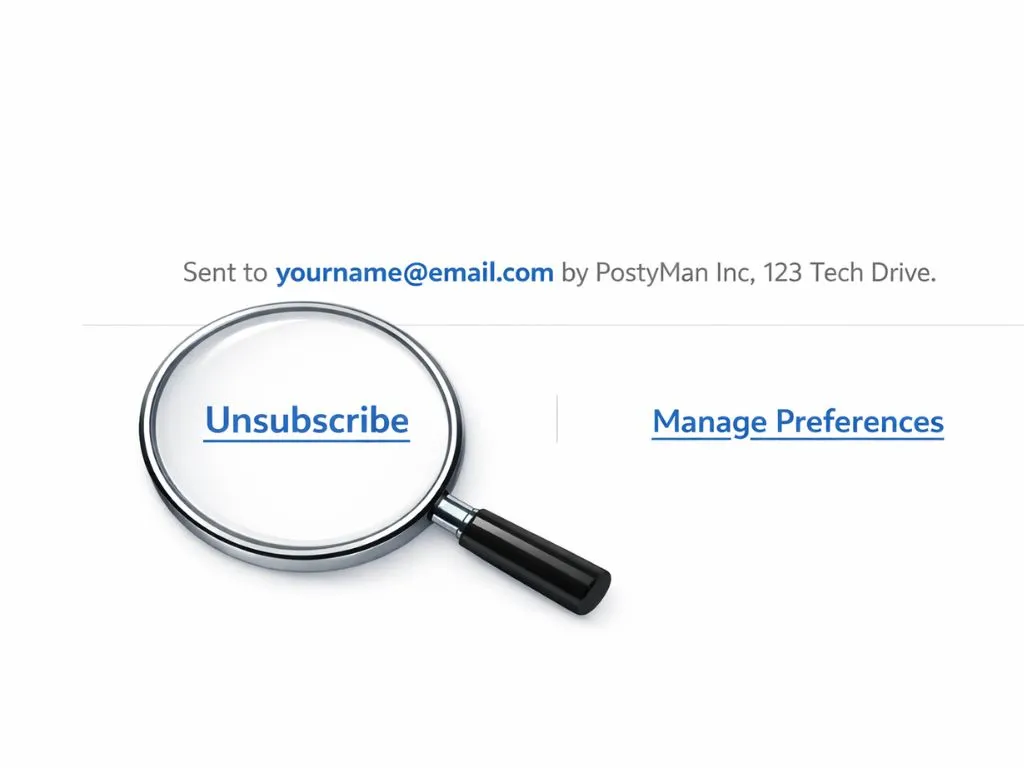
This might sound counterintuitive, but making it hard to unsubscribe is the fastest way to ruin your reputation.
If a user can’t find the “Unsubscribe” link easily, they will hit the “Mark as Spam” button instead. One spam complaint damages your reputation more than 100 unsubscribes.
The Fix: Always include a clear, one-click unsubscribe link in your footer. It’s not just polite; it’s required by modern email laws.
The 2026 Inbox Health Checklist
Ready to turn things around? Use this simple checklist to audit your email strategy.
- Check Authentication: Are your SPF and DKIM records set up and “aligned”?
- Review Your List: Have you removed bounced emails and inactive subscribers recently?
- Test Your Links: Do all the links in your email work and lead to secure (HTTPS) pages?
- Scan for Triggers: Did you remove “spammy” words and excessive punctuation?
- Send a Test: Send a test email to a personal Gmail and Outlook account. Did the email land in the Inbox or Spam?
Conclusion
Getting your emails into the inbox isn’t about outsmarting the system; it’s about proving you are a trustworthy sender who provides value. By focusing on technical basics like authentication and human basics like writing good content, you can rebuild your reputation.
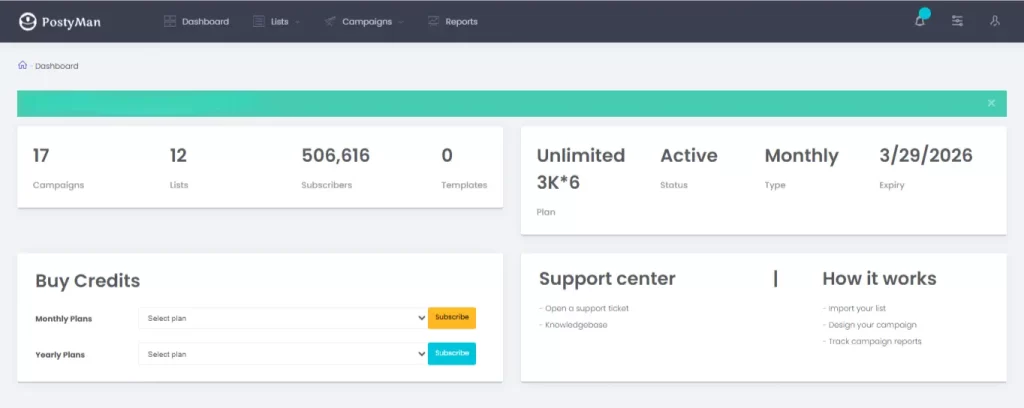
Not sure if your emails are set up correctly?
Don’t guess. [Check your inbox health with PostyMan] today and see exactly where your emails are landing before you send your next campaign.